
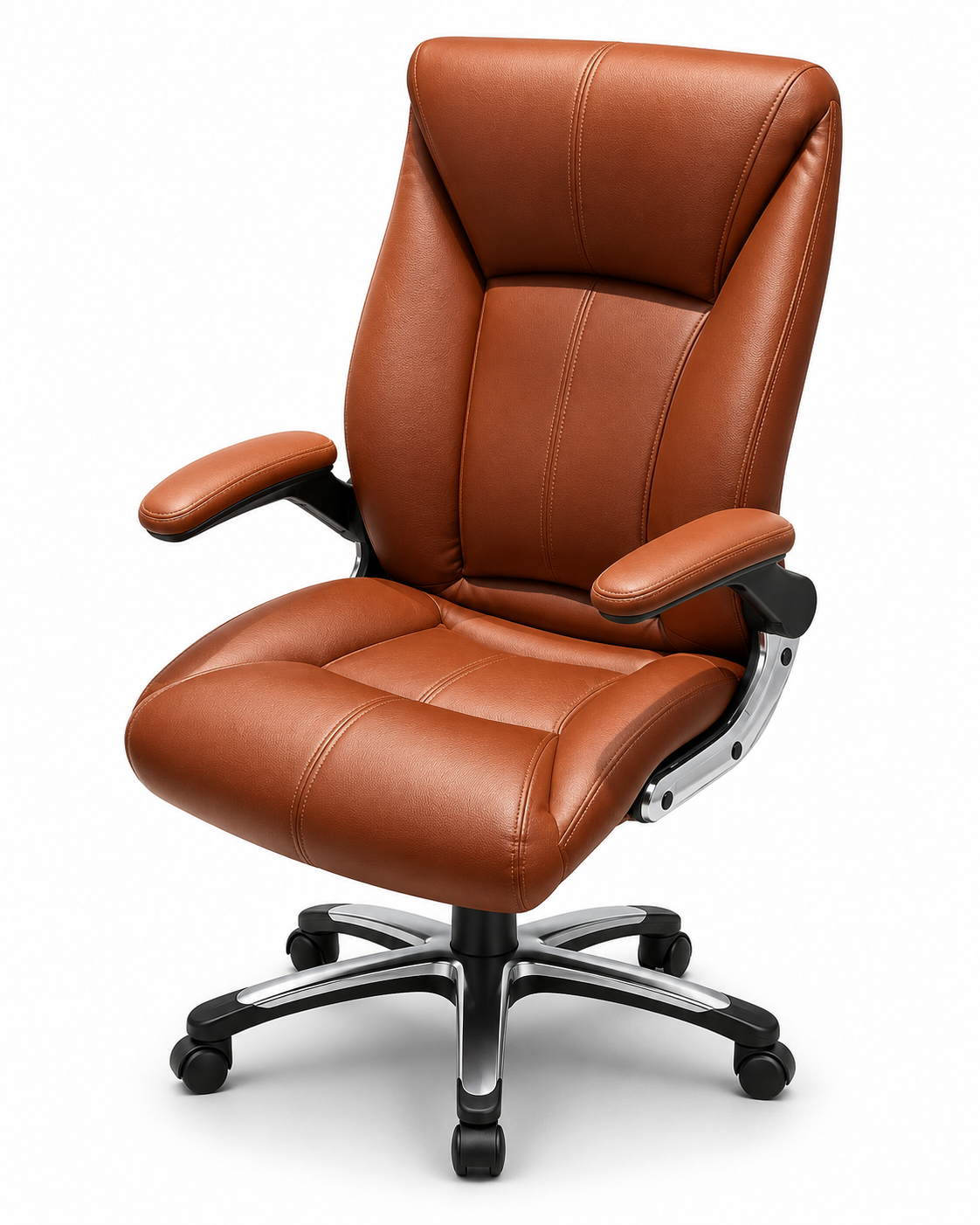
 01 / 04Hero angle
Make your product
look ready to sell.
Turn a single product warehouse or showroom photo into five polished visuals for your product page: four studio views and one lifestyle scene.
Made for product teams who need better visuals, faster.
One product. Five ways to show it.Consistent, considered product imagery.
Everything your product page needs.
Give shoppers a clearer look from every angle, then help them picture it in their space.
01 / 04Hero angle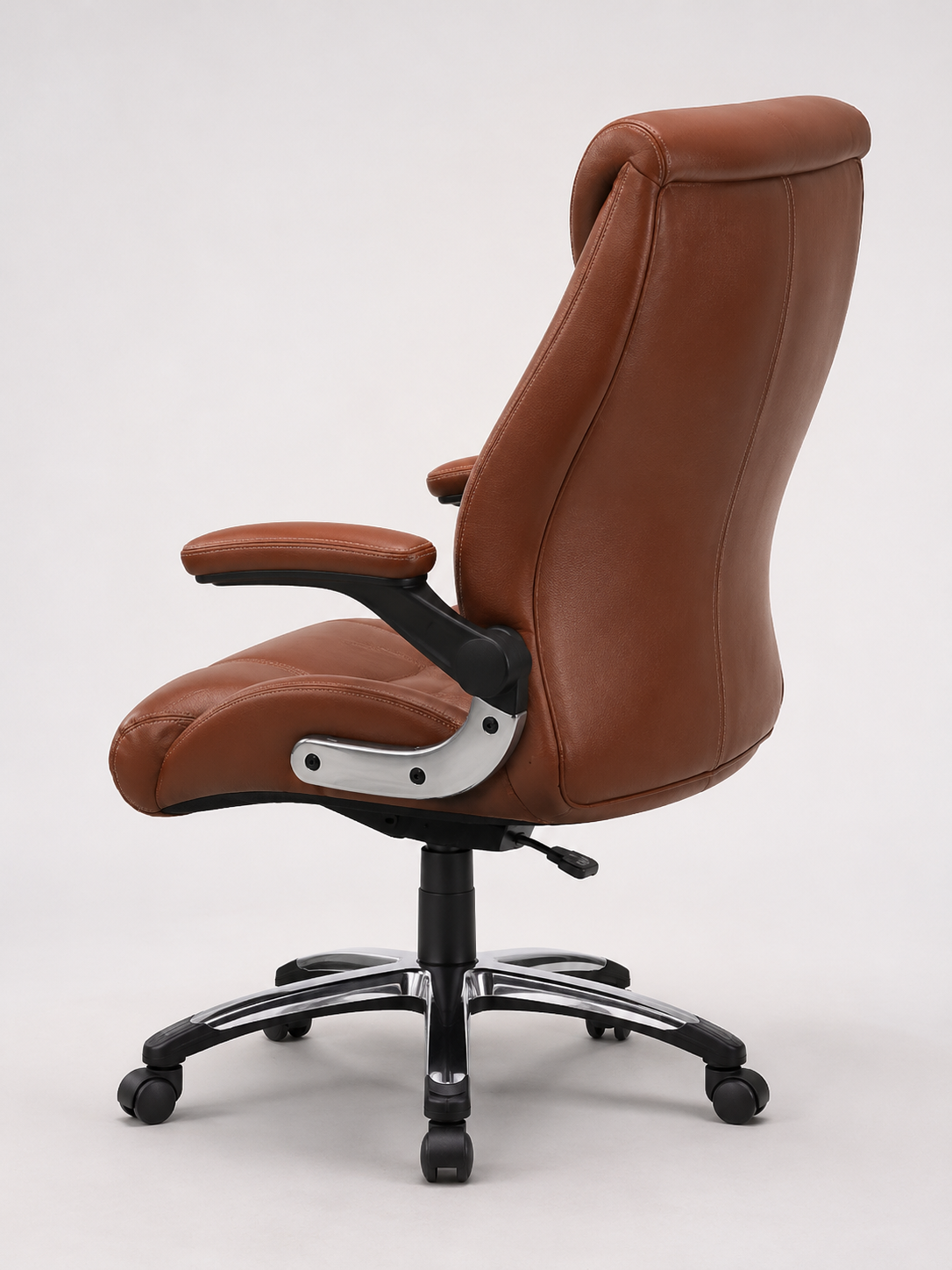 02 / 04Alternate angle
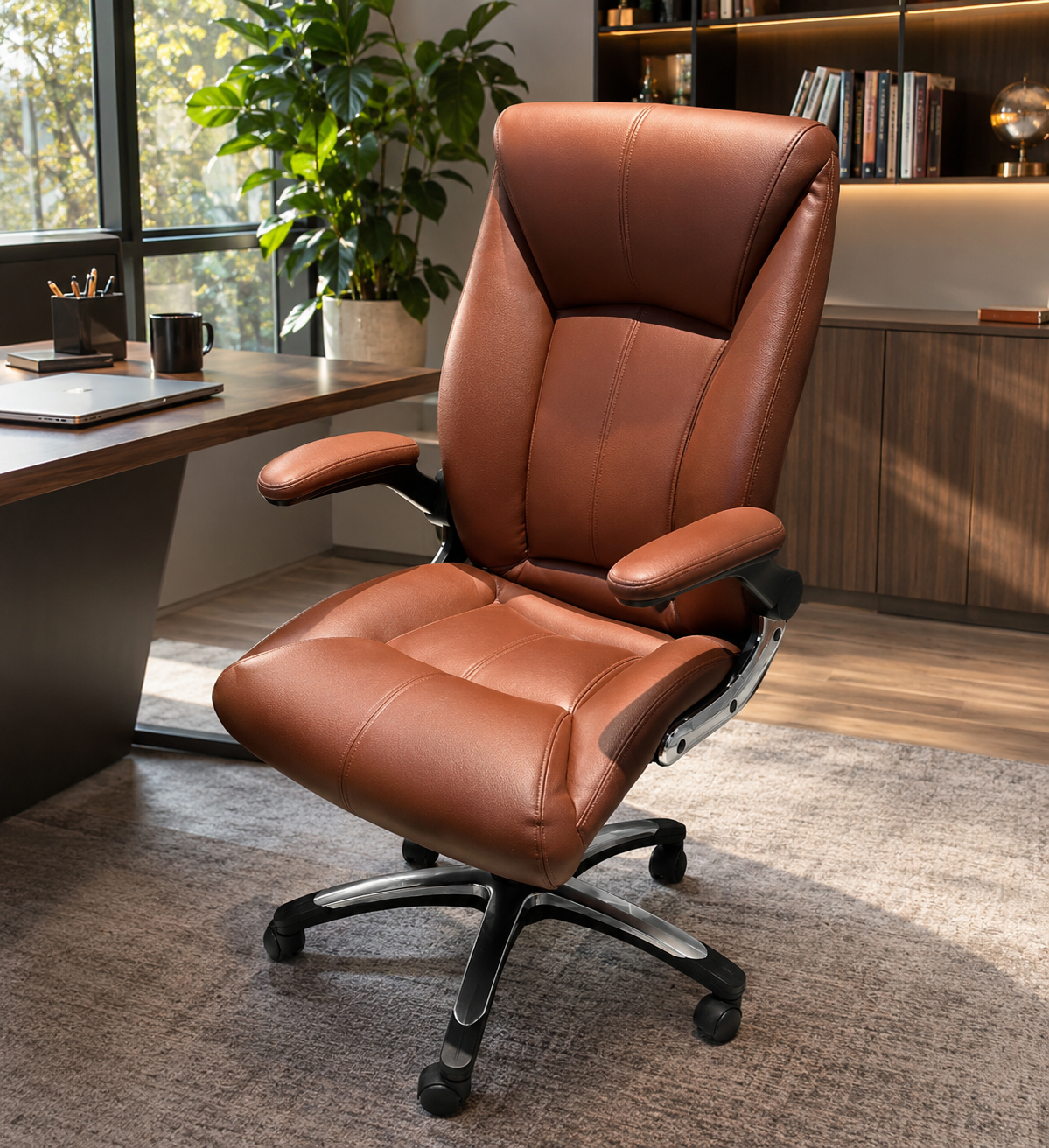 05 / 05See it in a space
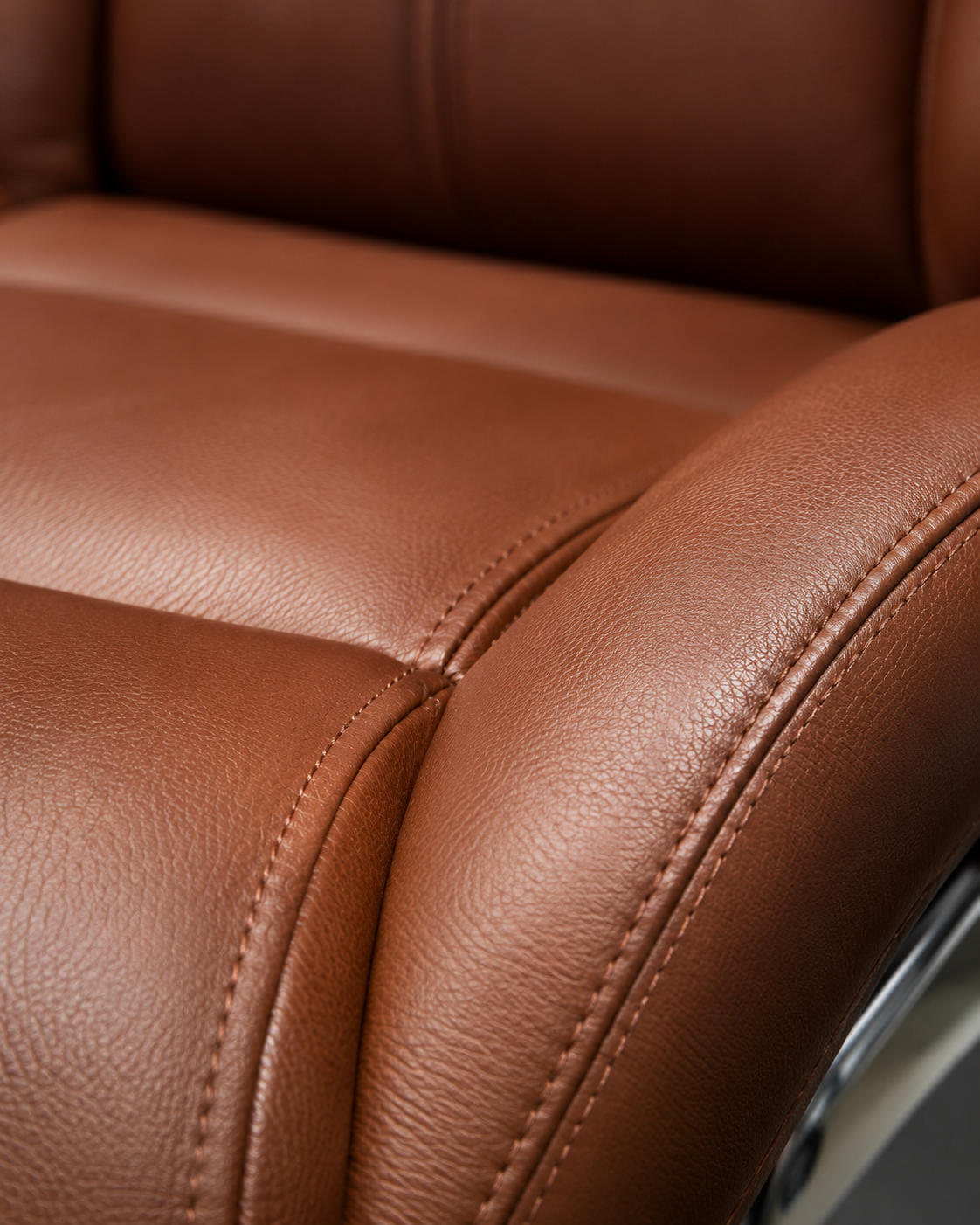 03 / 04Material detail
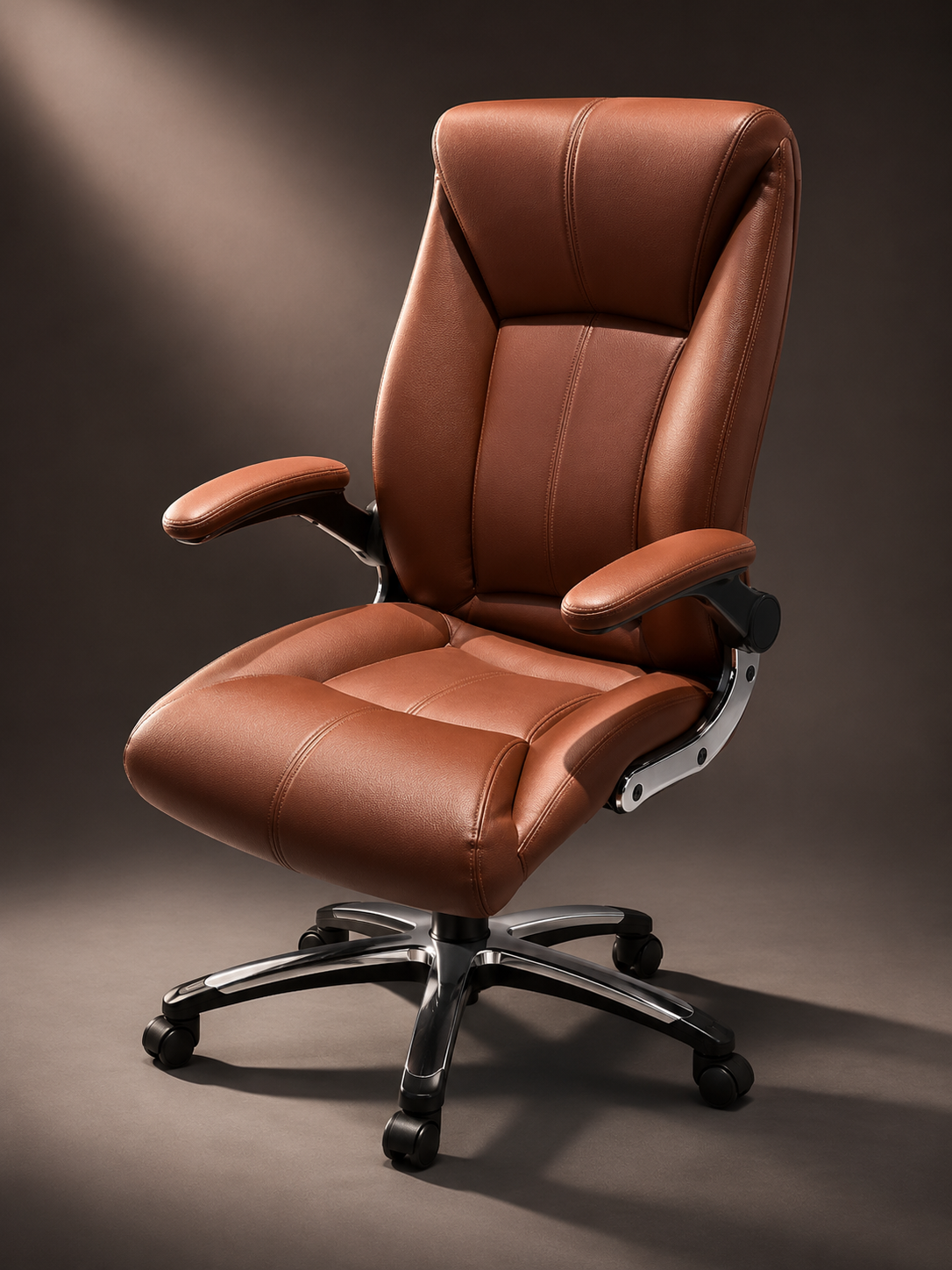 04 / 04Form & finish
From upload to image set.
Start with the product photo you already have. We’ll help you explore what better product visuals can look like.
Choose a product photo
Enter your work email and upload one product photo. Contact consent is optional.
Generate one image set
Create four studio views and one lifestyle scene in the image maker.
Explore what’s next
Want shoppers to change fabrics, finishes or options? Talk with our team about a 3D product configurator.
Make your image set.
Keep your options open.
Choose a product photo and continue in the PDP image maker. There you can create five views, review each result, and download the images you want.
Five views from one photo
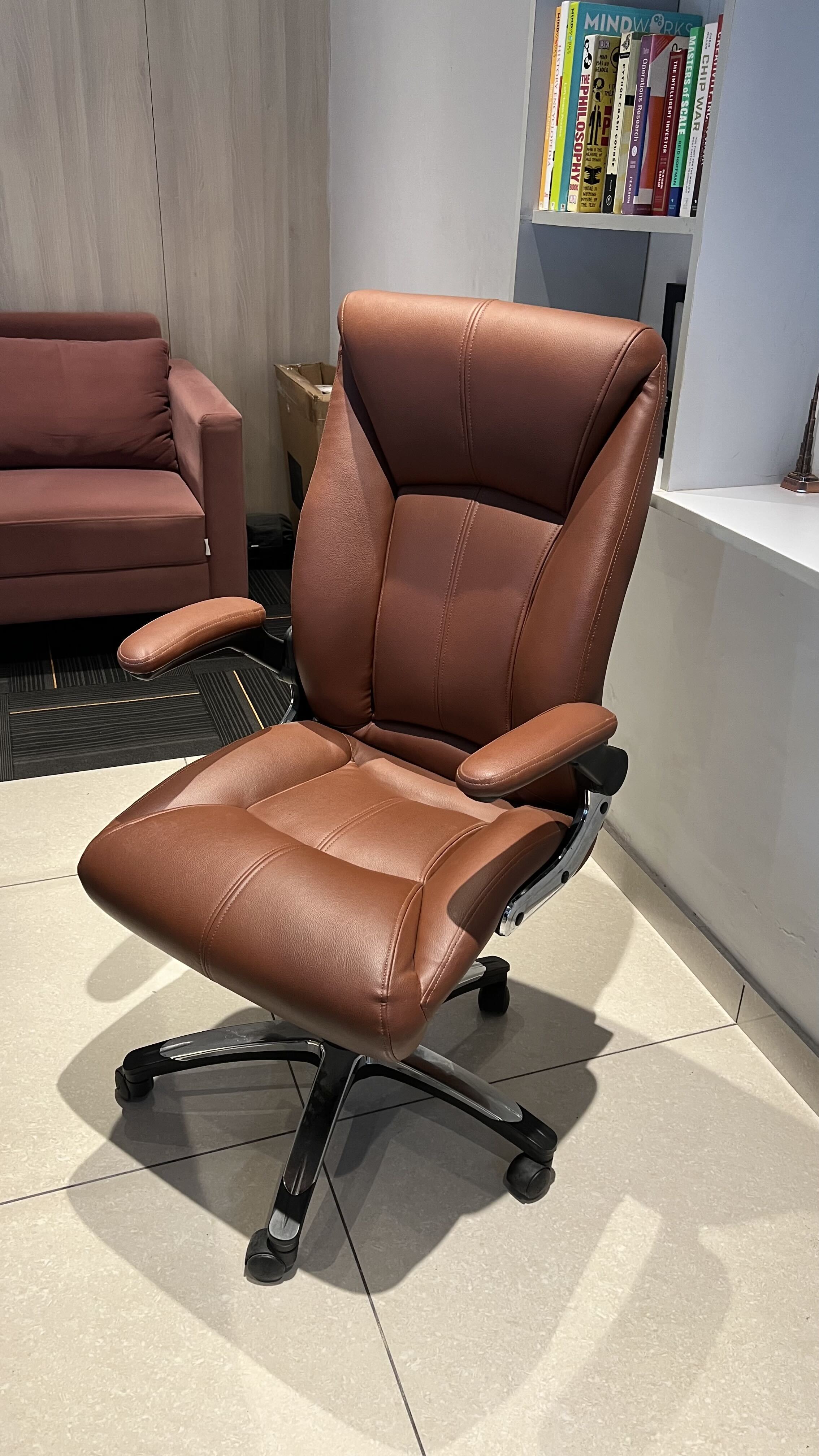
Your original image opens in the maker, ready to generate
Your original image opens in the maker, ready to generate
Get started with your image set
Enter your email, then choose a product photo to create one five-image set.
Ready to help shoppers configure it?
Explore 3D configurators ↗Talk with our team about an interactive 3D experience for your product range.
Good to know.
A quick preview of how the image offer could work for your team.
What do I get in one image set?
One generation is designed to produce five PDP-ready product visuals: four studio views and one lifestyle scene.
How many times can I use the studio?
Each work email can submit one product photo and generate one five-image set.
Why does Ikarus Delta ask for my details?
So the team can share your image results, understand your product setup and follow up if you want to explore a 3D configurator.
Do I need a 3D model to get started?
The image offer is the first step. If you later explore a configurator, the Ikarus Delta team can discuss your product files and the right path for your range.